

accessiBe
accessiBe

AccessiBe is trusted by over 218,500 businesses, including Panasonic, BMW, Fox News, Trek, and many more!
PowerUp Design is an affiliate of assessiBe and earns a small commission from generated sales.
Is your website fully inclusive?
Does your website meet ADA compliance laws?
Does it manage Web accessibility for enhanced SEO?
Are you wondering how to make all this happen seamlessly?
The answer lies with amazing software simply called accessiBe.
ADA Compliance Made Easy!
ADA compliance for websites is crucial for creating an inclusive digital environment, complying with legal obligations, enhancing user experience, improving SEO, and cultivating a positive brand perception.
accessiBe FAQs
-
ADA compliance refers to adhering to the regulations outlined in the Americans with Disabilities Act (ADA), a federal law enacted in 1990 in the United States. The ADA is aimed at ensuring equal access and prohibiting discrimination against individuals with disabilities in various aspects of public life, such as employment, public accommodations, transportation, telecommunications, and government services.
ADA compliance includes physical accessibility, communication access, accessible technology, employment, and public accommodations. in transportation and government services.
-
Yes, accessiBe converts the entire website based on the profile and/or customized settings chosen in one seamless action.
-
Here’s the beauty of accessiBe. It works by simply adding some code to the backend of your website. Instructions are provided for different website hosts, and support is always available.
-
Yes, settings chosen on the website desktop version auto populate to the mobile on most platforms. Use the 7 day free trial to see how the system works on your website, both desktop and mobile.
-
Support is just an email away or PowerUp Designalways available for you for any Squarespace website by contacting PowerUp Design.

Six Types of Accommodations
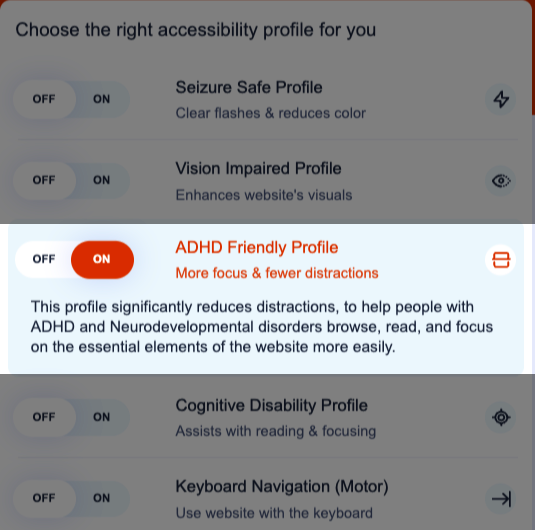
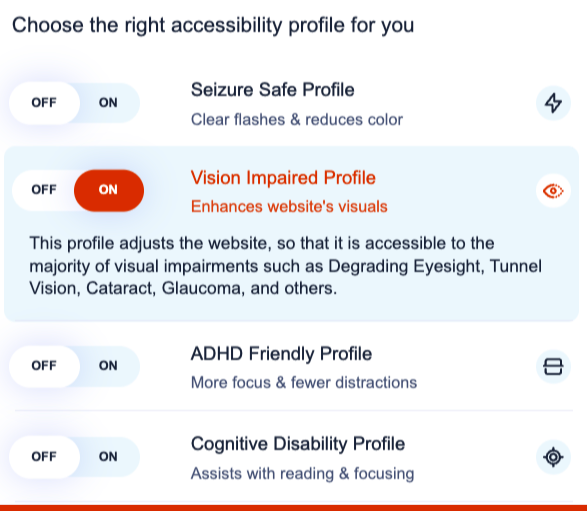
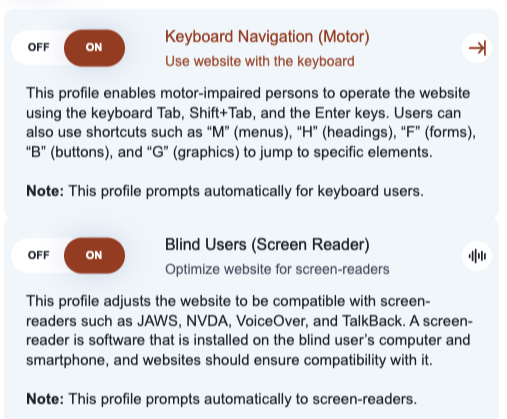
Choose a profile or select individual settings to customize the entire site for specific accommodations.
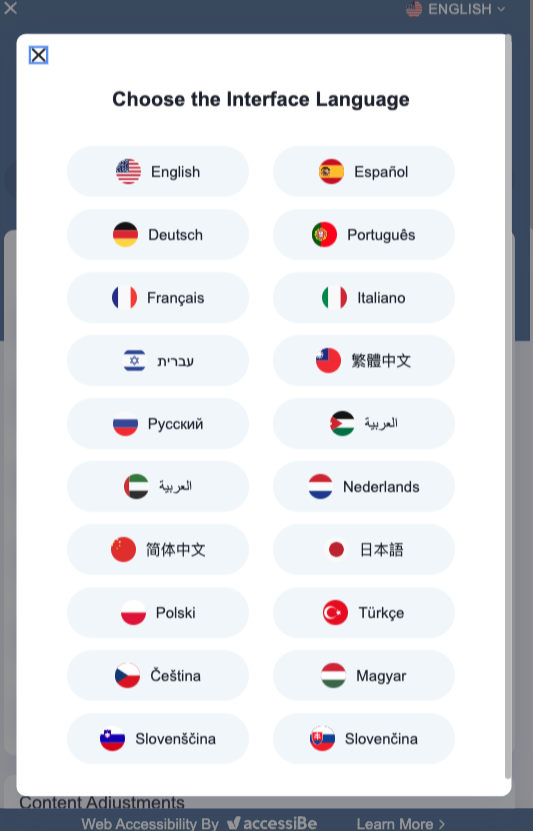
Available in many languages
Is your site written in a language other than English? No worries. The software seamlessly manages non-English websites.

Site Explanation and User Information
The vision and mission of accessiBe is easily found for a clear understanding of why the site was constructed and how it can be used.